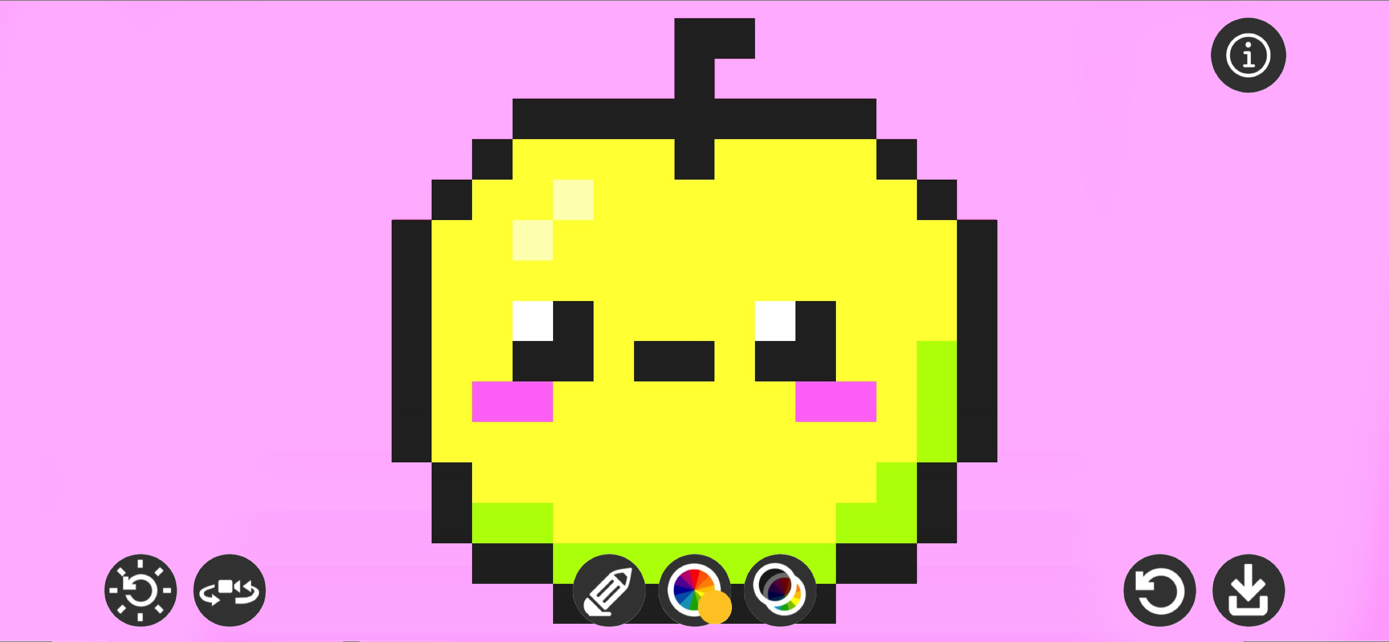
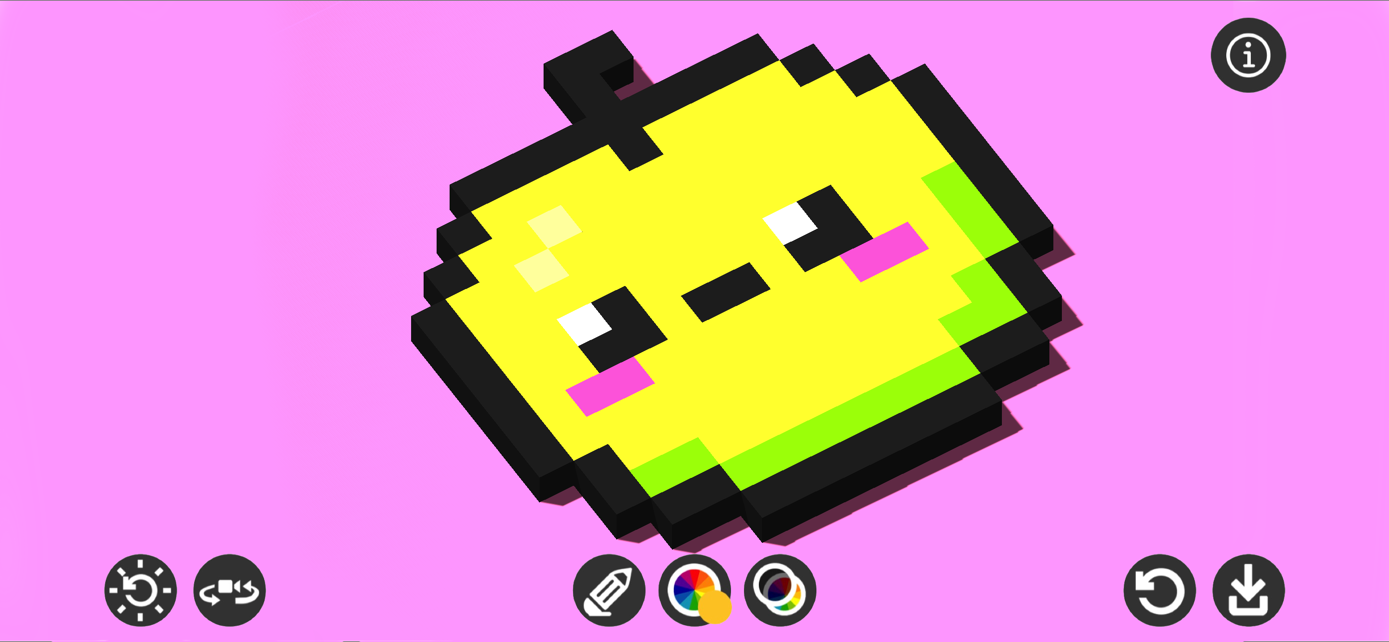
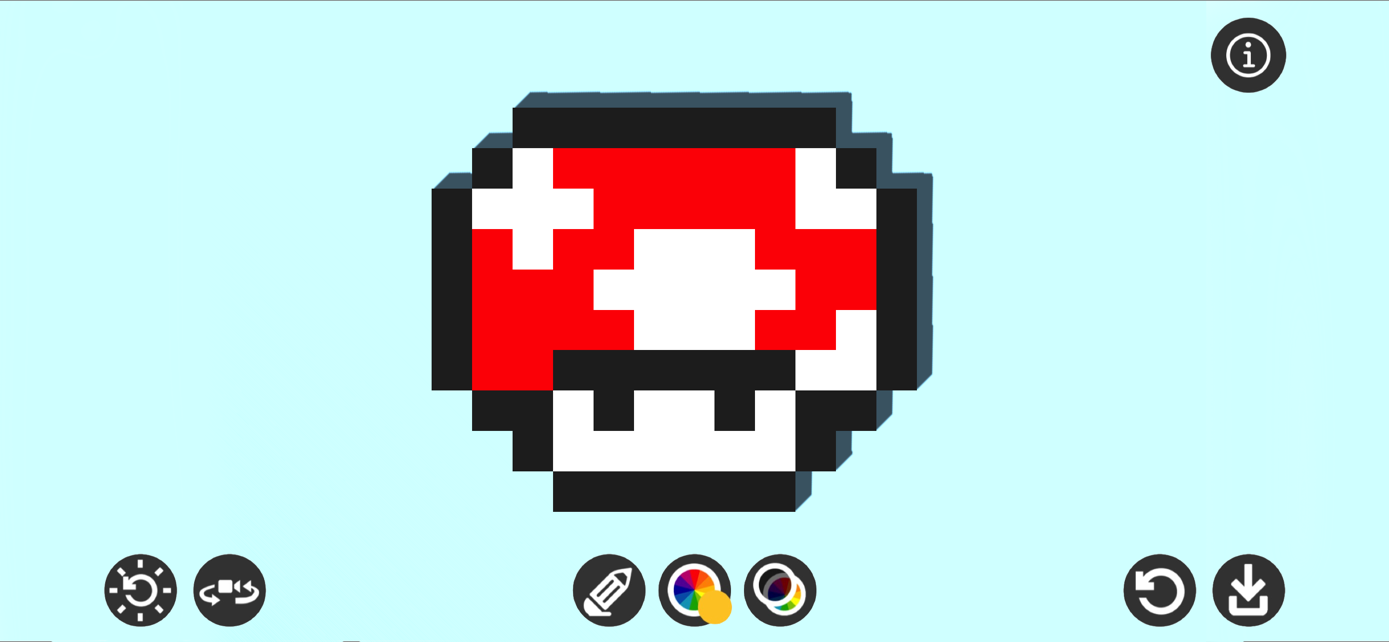
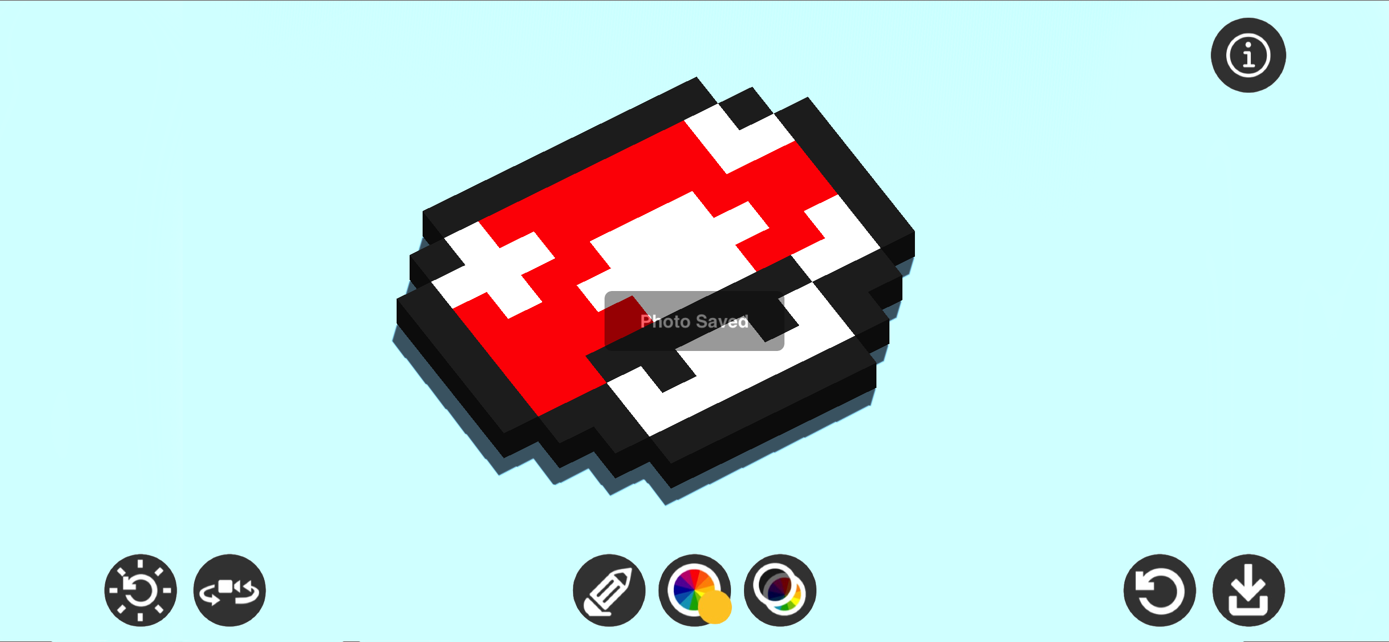
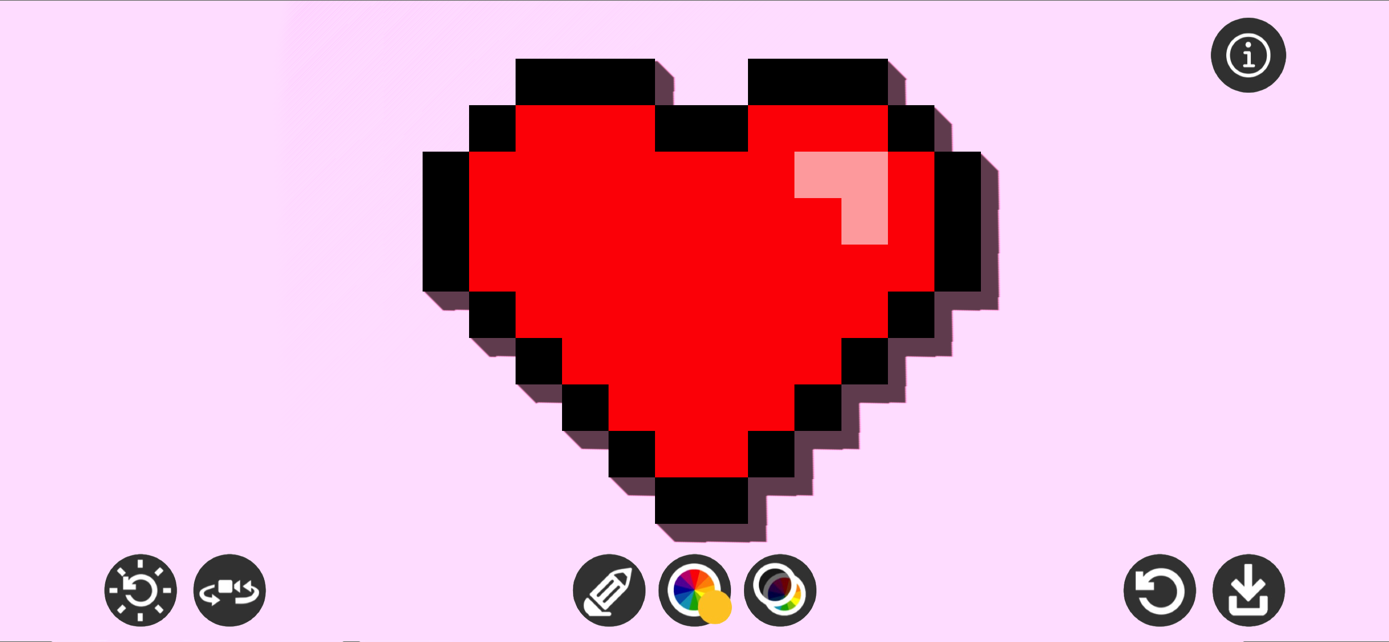
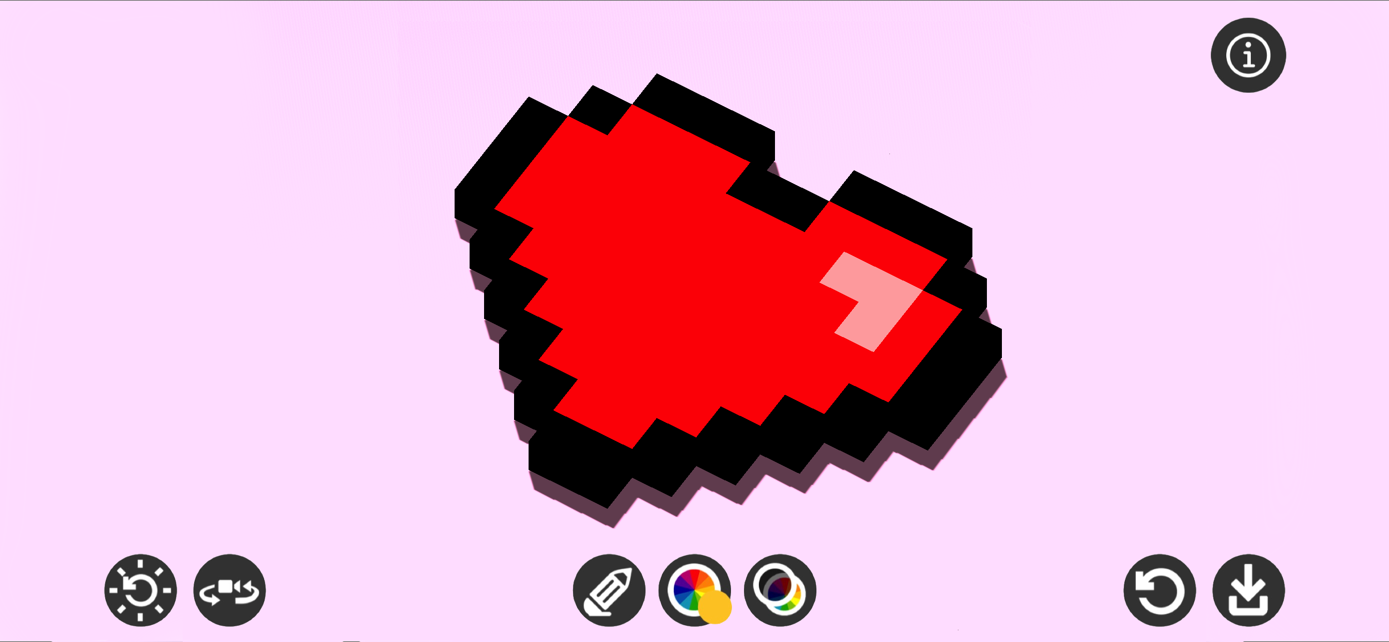
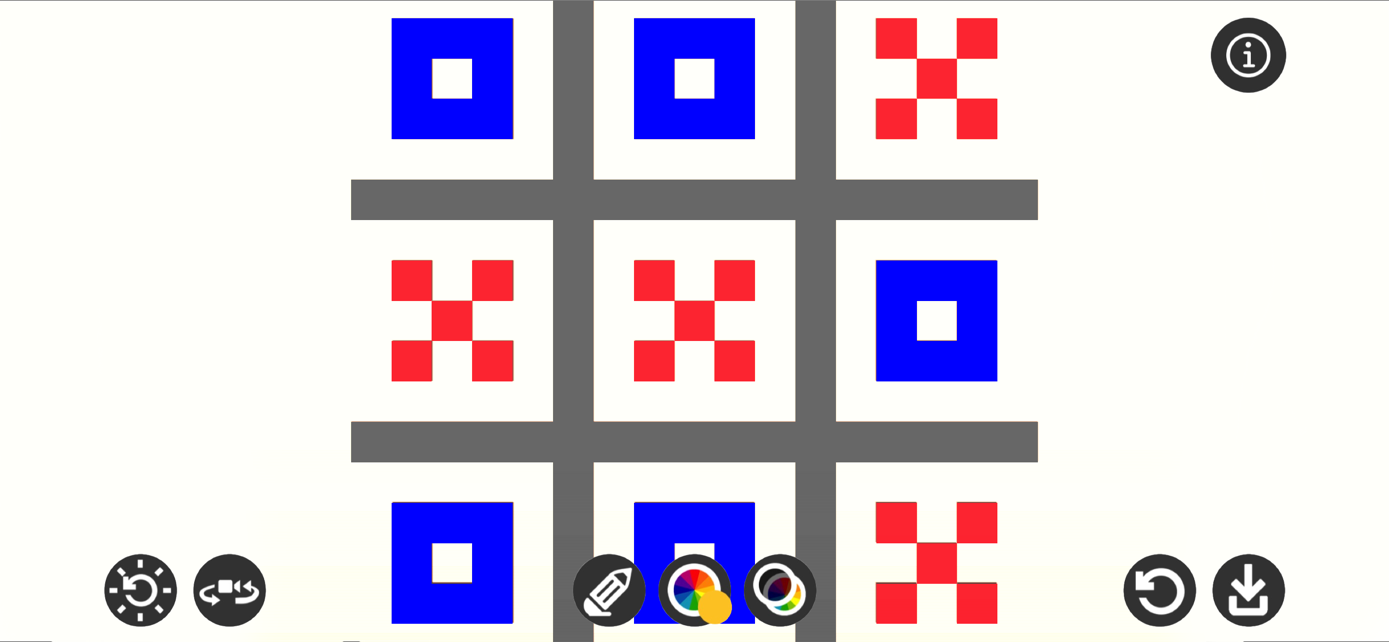
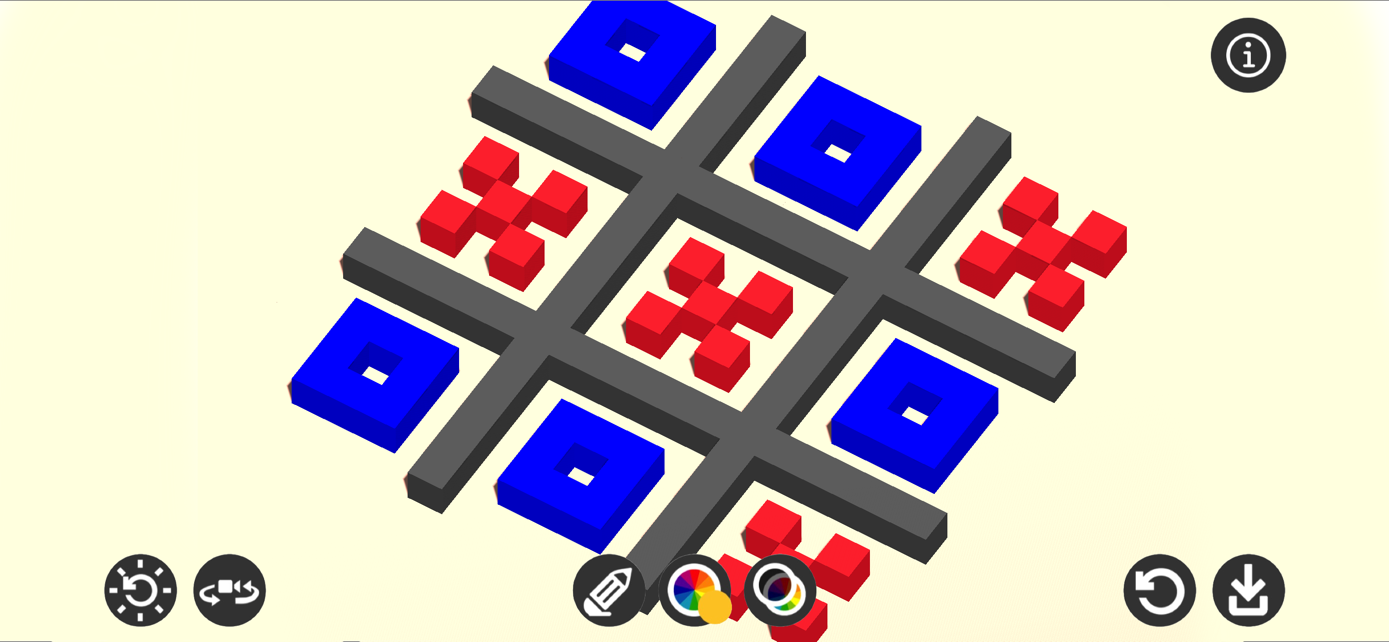
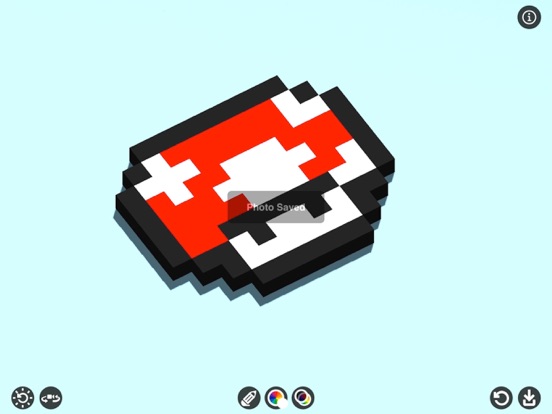
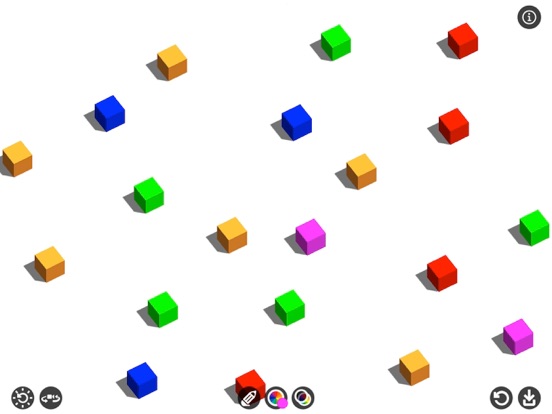
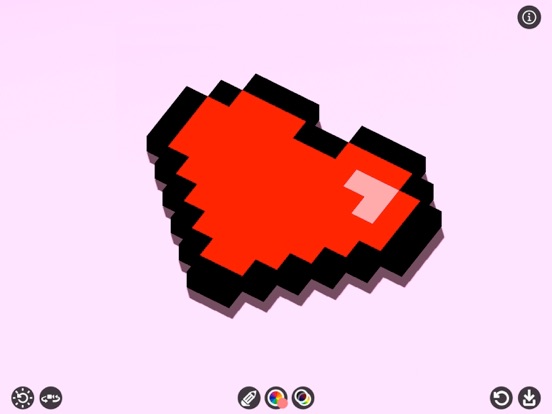
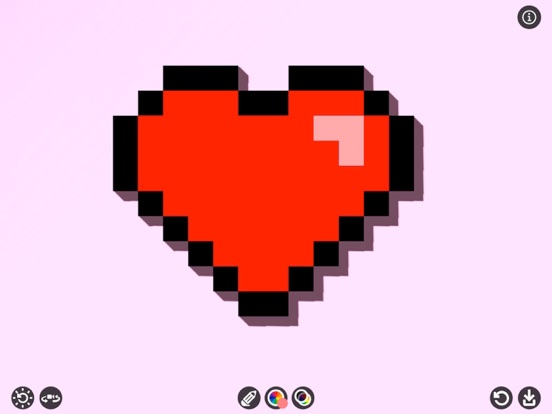
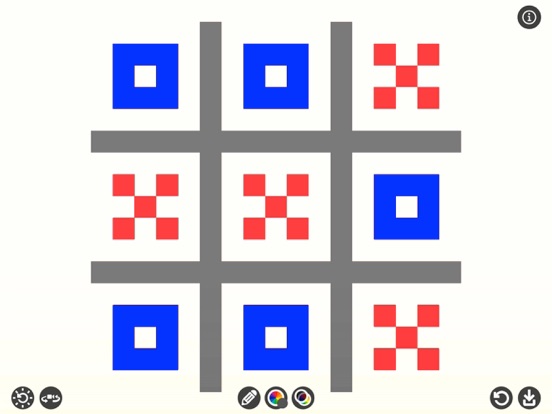
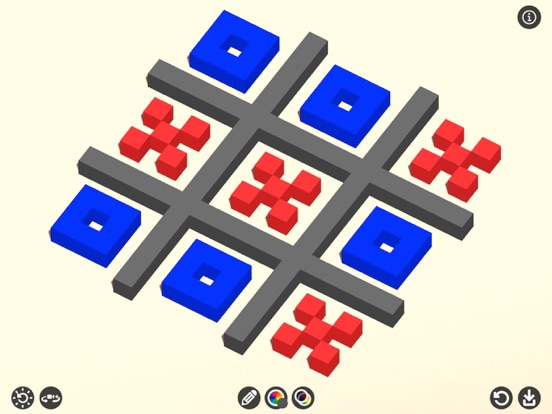
Pixel Draw App is a pixel art drawing app that allows you to create great pixel-by-pixel images and share them with your friends. You can also turn your pixel drawing into a 3D view.
Features:
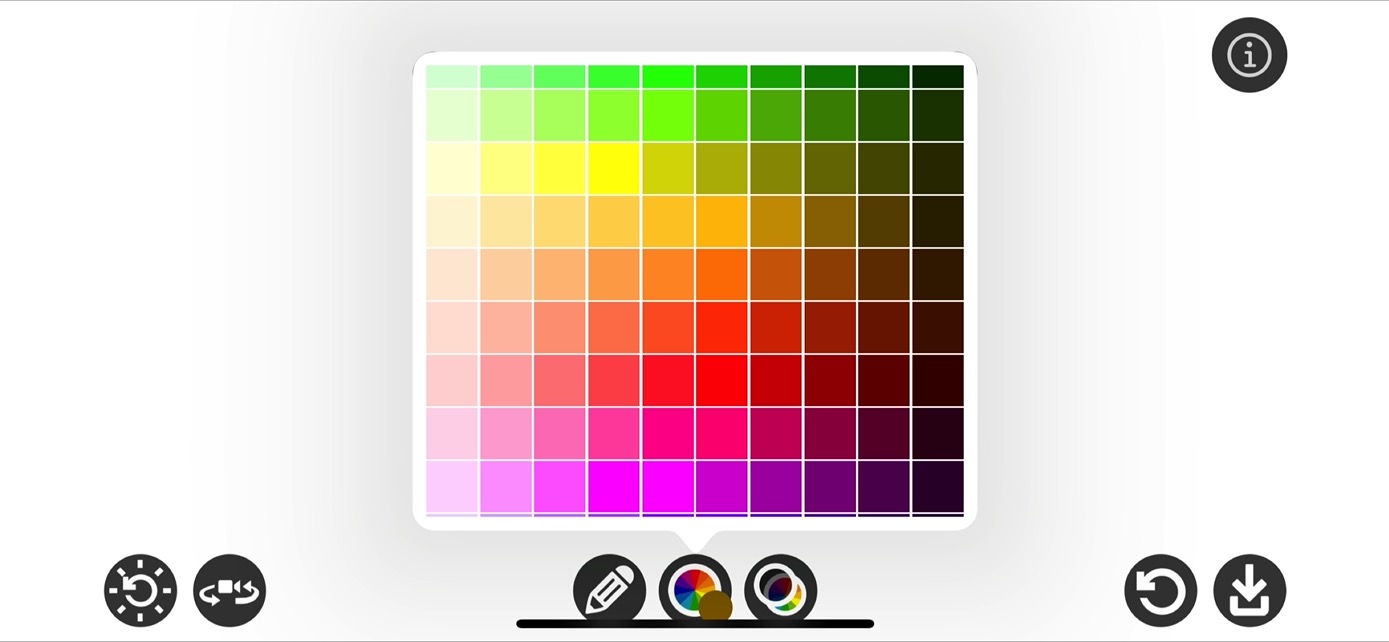
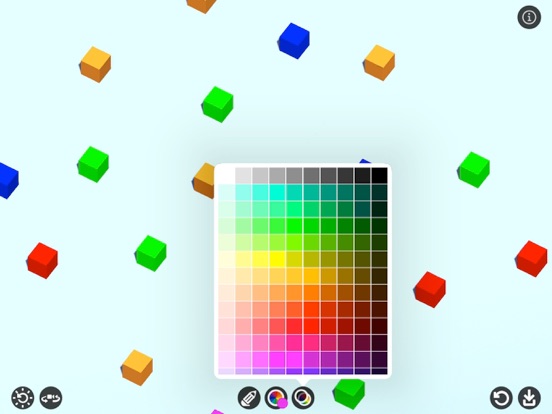
• Precision drawing with standard pixel colors.
• Customize background colors to suit your artistic vision.
• Convenient pinch-to-zoom and pan-to-move functionalities for seamless drawing.
• Choose from four camera perspectives: top-down, bottom-up, left-side, and right-side views.
• Modify lighting angles with eight preset options.
• Toggle shadows on or off for added control.
• Utilize both pencil drawing and erasing modes.
• Easily reset the canvas for a fresh start.
• Directly save photos to the camera roll.
• Intuitive user interface for effortless navigation.
Pixel drawing application for creative minds who want to venture into the world of art or games.
A simple pixel art editor to help you create pixel art easily.
Let's create simple Pixel Arts!
Thanks for your support and visit nitrio.com for more apps for your iOS devices.